
How to Register on VeerGame: Step-by-Step
Veer Game register walkthrough: phone sign-up, password rules, invite code and first-deposit bonus. Independent Veer Game register steps.
Before you start
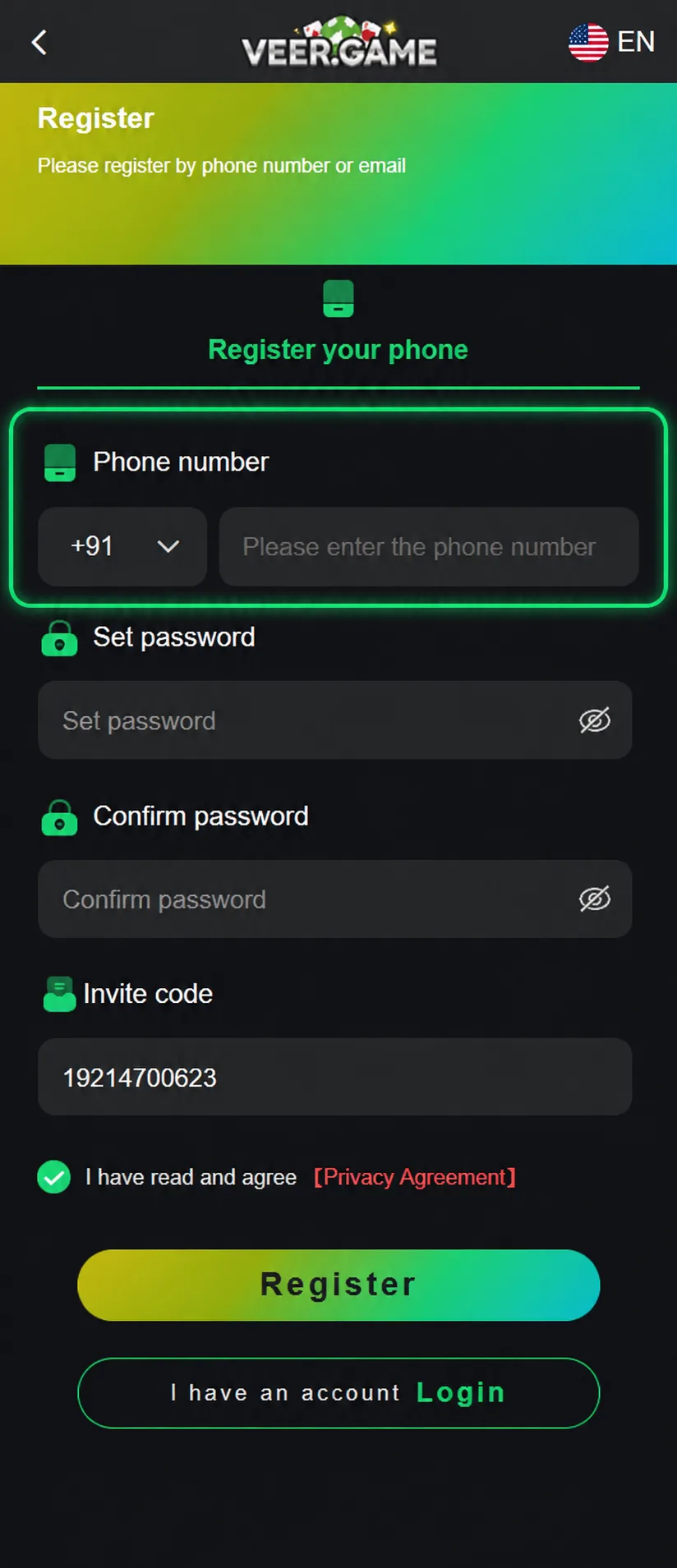
Registration is quick, but two things are worth having ready before you open the form. The first is a mobile number you can receive messages on — the account is built around a phone number, with a country code selector that defaults to +91.
The second is an invite code, if you have one. It is optional and the form will submit without it, but it can only be entered during registration. There is no screen afterwards that lets you attach a referrer to an existing account, so a code you meant to use is simply lost once you have signed up.
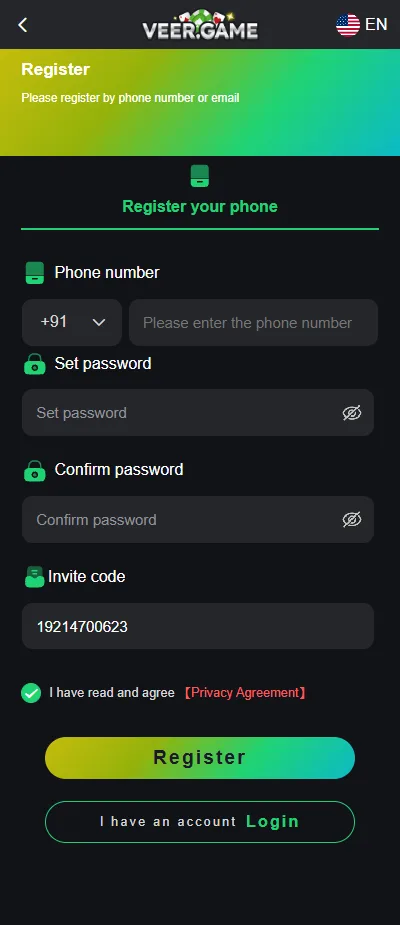
Step-by-step registration
The whole form is six fields and one button. Work through it in order, since the password confirmation will not validate until the password itself passes the rules.
- Enter your phone number, checking that the country code selector matches it — +91 is preselected for Indian numbers.
- Set a password of at least eight characters combining upper-case letters, lower-case letters and numbers.
- Re-enter the same password in the confirmation field. A mismatch here is the most common reason the form refuses to submit.
- Enter your invite code if you have one. Leave it blank if not, rather than inventing a code.
- Tick 'I have read and agree' to the Privacy Agreement, which is required before the button activates.
- Tap Register. You are taken into the account, from where you can deposit and claim the welcome bonus.
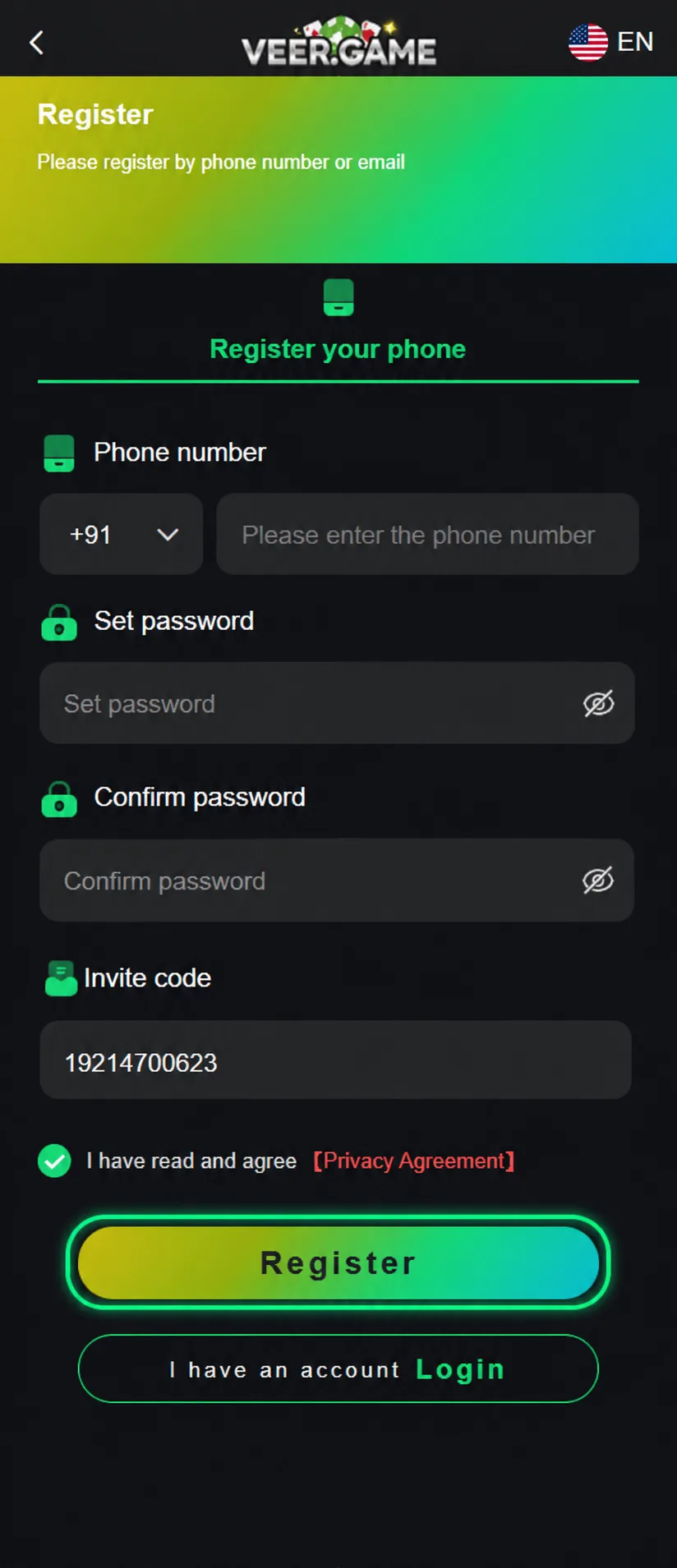
Why the invite code matters
The invite code exists to link a new account to whoever referred it. Once attached, your account counts as a subordinate in that person's referral tree, which is how the platform tracks who earns referral rewards from your registration and subsequent deposits.
Using one can qualify both sides for bonus rewards, so if a friend already plays there is usually no reason not to. Leaving it blank creates a perfectly normal, fully functional account with no referrer attached — the only consequence is that neither of you is credited for the referral.
What you cannot do is add it later. The field appears during registration only, so the decision is made at the moment you submit the form.
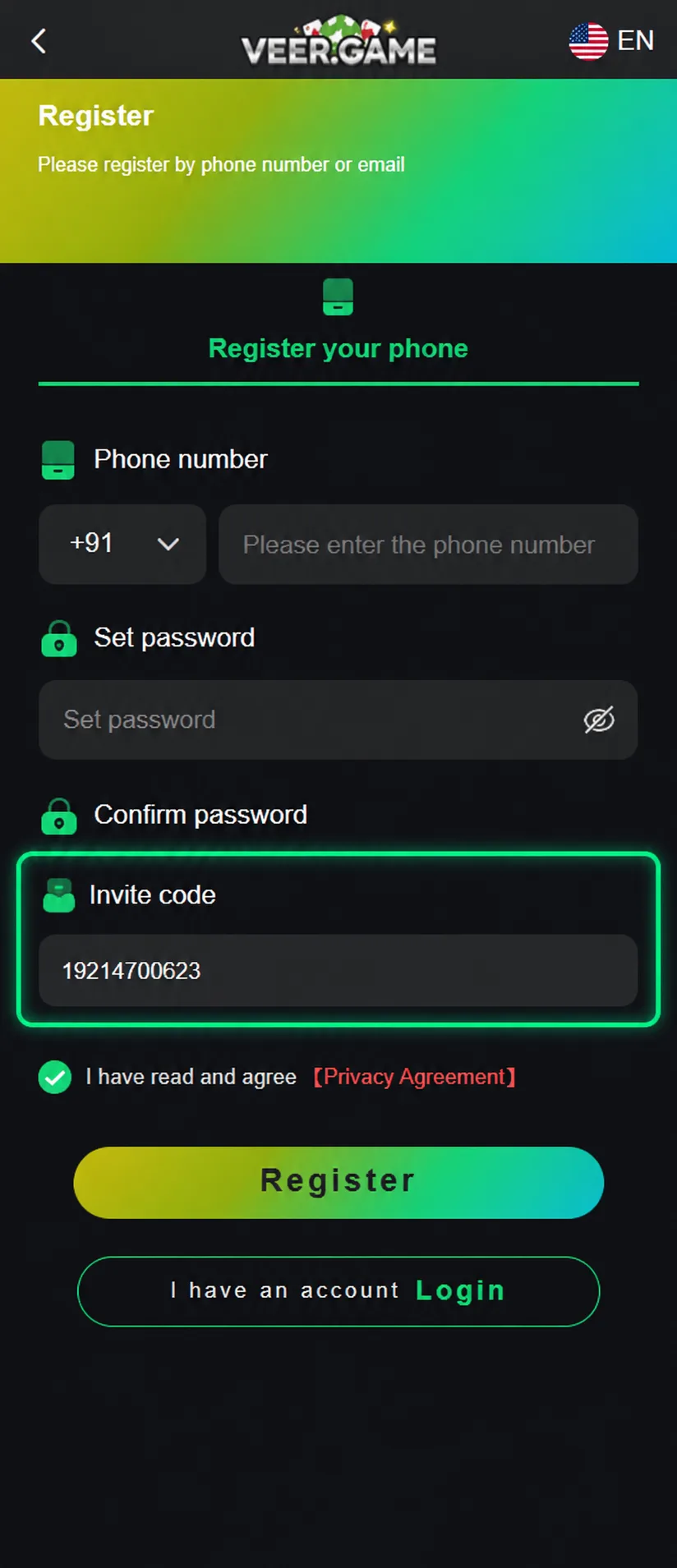
Password rules explained
The requirement is at least eight characters containing upper-case letters, lower-case letters and numbers. All three character types must be present — length alone will not satisfy it.
| Example | Result | Why |
|---|---|---|
| veergame | Rejected | No upper-case letters and no numbers. |
| Veergame | Rejected | Still no numbers. |
| Veer12 | Rejected | Only six characters. |
| Veergame7 | Accepted | Nine characters with upper, lower and a digit. |
| Tr7kQm2pLx | Accepted | Meets every rule and is much harder to guess. |
Aim well past the minimum. The last example is the kind of password worth using on an account that holds a real balance, and a password manager removes any need to remember it.
Eligibility
You must be of legal gambling age in your jurisdiction to register, as set out in the platform's Risk Disclosure Agreement. This is not a formality — accounts found to belong to under-age users are subject to closure, and winnings on such an account are unlikely to be paid out.
Standard platform terms in this category also work on the basis of one account per person, and in practice often one per device. Registering multiple accounts to claim a new-player bonus repeatedly is the fastest way to have all of them frozen, and referral schemes here explicitly do not pay out on accounts judged to be fake.
After you register
The immediate next step is the welcome bonus, and the order matters: it attaches to your first deposit, so read what qualifies before you fund the account rather than afterwards. Up to ₹488 is the headline figure for new members.
After that, make the first deposit through the Wallet screen, taking care that the amount you transfer matches the generated order exactly. It is also worth saving a payout method early, while nothing is waiting on it — bank transfers need the recipient name to match your registered name, which is easier to get right without a pending withdrawal.
Common registration errors
A number that is already registered means an account exists on it, which usually means you have signed up before. Use the login screen instead, and the password reset flow if the password is gone — registering again on the same number will not work.
An invalid invite code is normally a transcription error: a confused 0 and O, or a truncated code from a copied message. Ask the referrer to send it again, or clear the field and register without it, since a wrong code is worse than none.
A rejected password almost always fails on a missing character type rather than length. Check that you have at least one upper-case letter, one lower-case letter and one number, then confirm the second field matches the first exactly.
Read next: Login Guide and Deposit Guide — they pick up where this page leaves off.
Frequently asked questions
Do I need an invite code to register on VeerGame?
What are the password requirements?
What happens after I register?
Can I register with an email instead of a phone number?
Related guides
- Login Guide
How to Log In to VeerGame
- Deposit Guide
How to Deposit on VeerGame: UPI & USDT Guide
- Welcome Bonus Guide
VeerGame Welcome Bonus: Up to ₹488 Explained