
How to Log In to VeerGame
Veer Game login steps: phone number, password and fixes when Veer Game login fails. Independent, unofficial walkthrough — not the operator.
Why a correct login matters
Logging into VeerGame is the point where most account problems either appear or get ruled out. Your balance, bonus progress, deposit history and referral earnings all live behind that single screen, so a login that keeps failing blocks everything else.
It is also the screen most often imitated by fake sites, because a convincing copy harvests a working phone number and password in one step. Knowing exactly what the genuine flow asks for is the simplest defence available to you.
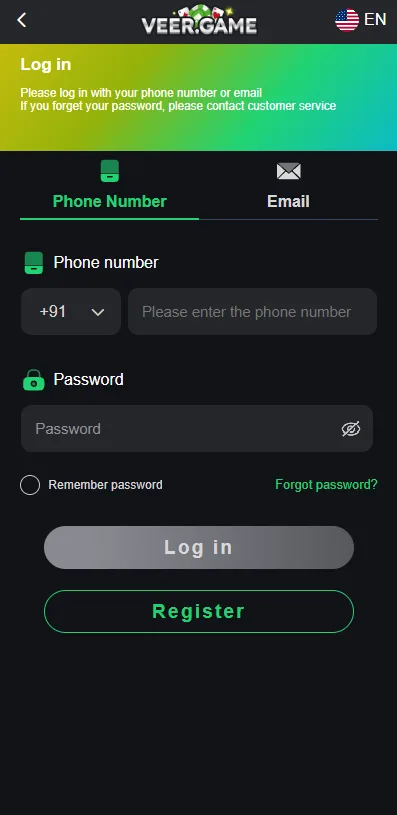
How to log in to VeerGame
The login form takes two pieces of information and nothing else: the phone number you registered with, and your password. There was no email login option in the screens we documented.
- Open the official VeerGame site or the installed app. If you use the app, the login screen appears shortly after launch.
- Check the country code selector. It defaults to +91, which is correct for Indian numbers but needs changing if you registered on a number from elsewhere.
- Enter your registered phone number, without the country code repeated in the number field.
- Enter your password. It is case-sensitive, so an active caps lock will cause a rejection that looks identical to a wrong password.
- Tap Login. On success you land on the home screen with your wallet balance visible in the header.
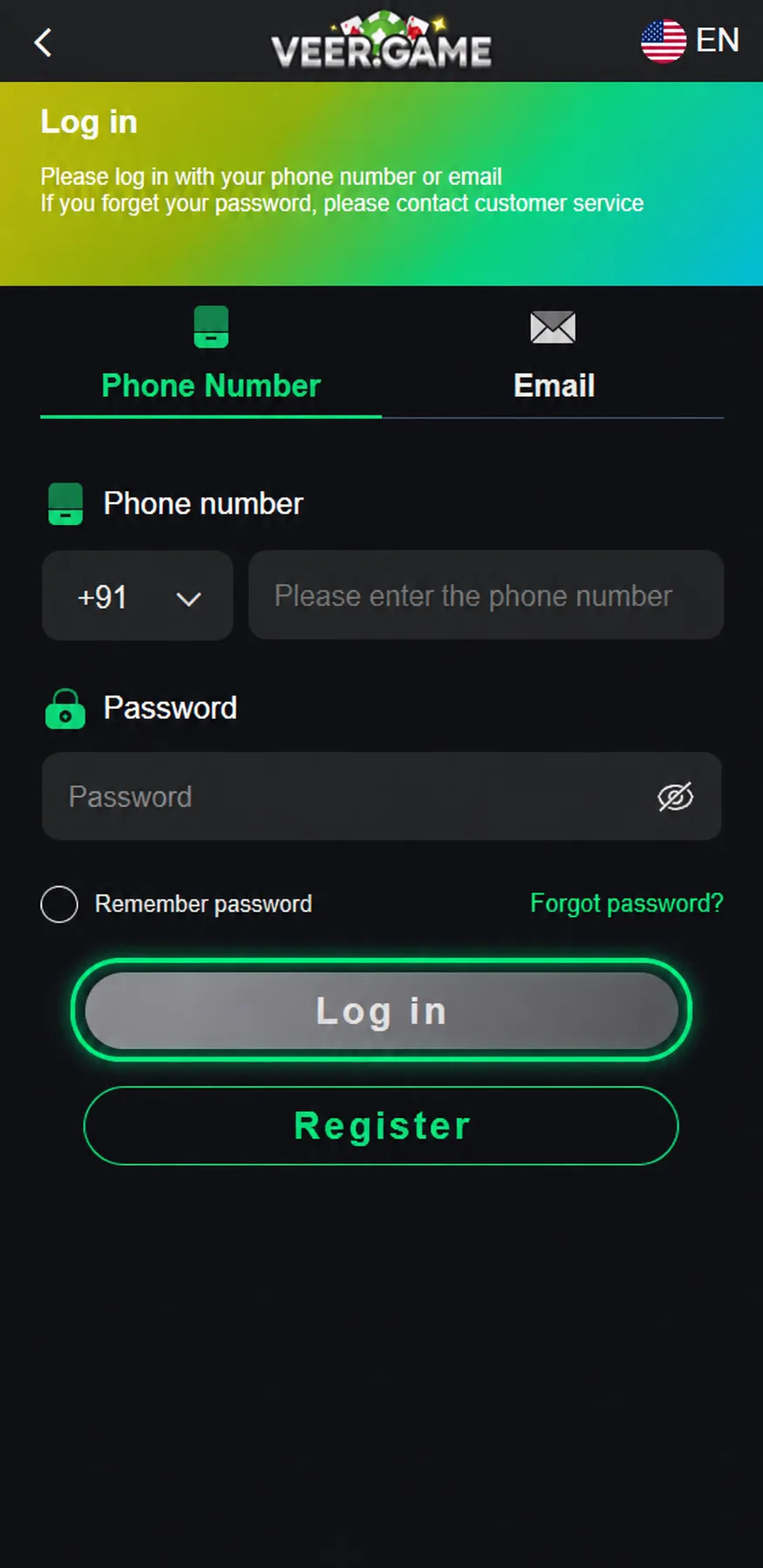
App login vs. web login
The app and the mobile website use the same credentials and the same account — there is no separate app registration, and nothing needs migrating between them. Whichever one you created the account in, the other will accept the same phone number and password.
In the app, the login screen sits at the start of the flow when you open it without an active session. The practical difference is persistence: the app generally keeps you signed in between sessions, while a browser will drop the session sooner, especially if it clears cookies aggressively or you browse in private mode.
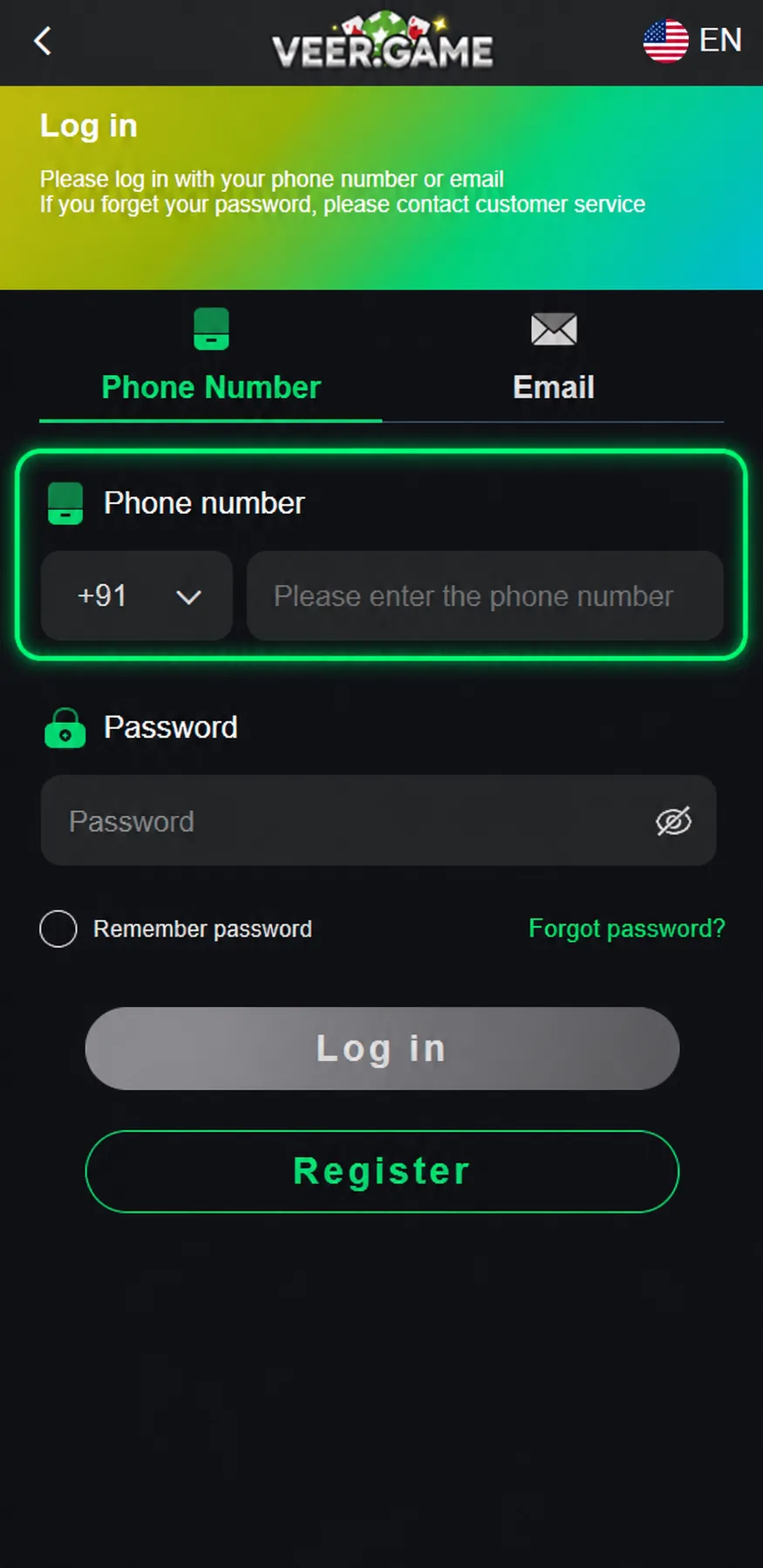
Common login problems and fixes
Wrong country code is the most frequent cause of a login that fails with apparently correct details. The field defaults to +91, so an account registered on a non-Indian number will not be found until the selector is changed to match what you signed up with.
Password entry accounts for most of the rest. The password is case-sensitive and requires a mix of upper-case, lower-case and numeric characters, which makes an unnoticed caps lock or a transposed digit easy to miss — and the error message does not distinguish between a typo and a genuinely wrong password.
If the form itself misbehaves — a button that does nothing, fields that will not accept input, or a page that reloads without logging you in — clear your browser's cache and cookies for the site, or try the app instead. Stale cached assets are a common culprit.
Finally, do not confuse the invite code field with anything on the login screen. Invite codes belong to registration only; there is no stage of logging in where you need one, and a prompt asking for an invite code before letting you in is a sign you are not on the genuine site.
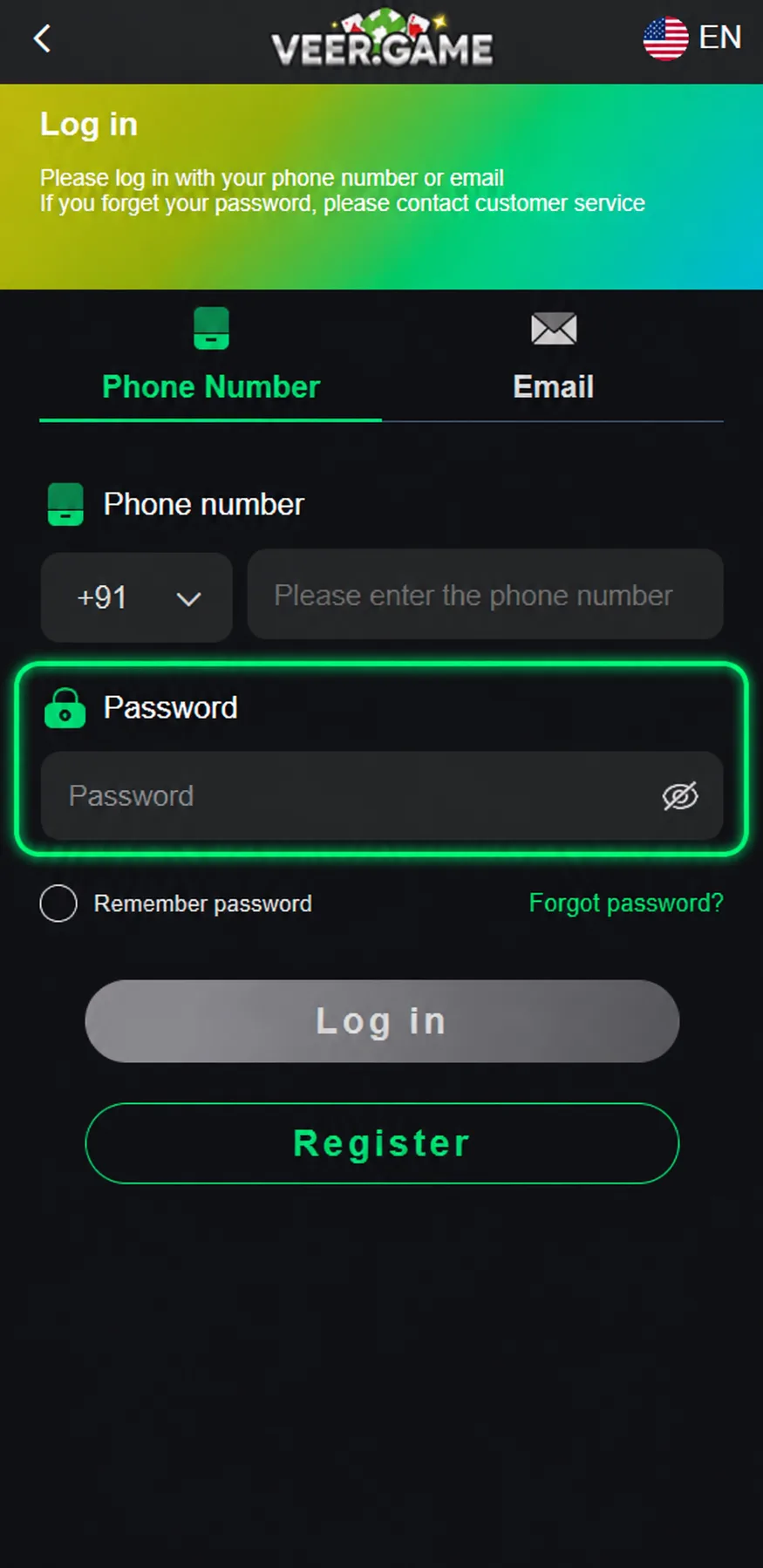
Forgot your password?
If the password is genuinely gone rather than mistyped, the reset flow needs your phone number, a new password entered twice, an OTP sent to that number, and the agreement checkbox ticked. The new password is entered before the SMS arrives, so decide it first. Our forgot password guide walks through the taps, including what to do when the OTP does not arrive.
A reset does not move your balance, bonus history or referral tree. If the number on the account is not the phone in your hand, that is no longer a password problem — only the platform's Customer Service can change a registered number.
Keeping your account secure
Use a password that exists nowhere else. A gaming account holding a real balance is worth attacking, and reused passwords mean a breach on an unrelated site becomes a problem here. The platform's minimum is eight characters with mixed case and numbers; longer is meaningfully better.
Change it periodically, and immediately if you have ever entered it on a site you later doubted. Be equally careful about where you log in from — a shared or public device keeps sessions alive long after you have walked away from it.
When to contact support
If the fixes above do not work, the problem is probably specific to your account — a lock, a restriction, or a number that is not registered the way you remember. That is beyond what any guide can resolve, because only the operator can see your account state.
Contact the platform's own Customer Service through the app, with your registered phone number ready and a description of exactly what the screen shows. As an independent guide we have no access to accounts and cannot unlock, restore or verify them on your behalf.
Read next: Register Guide and Download Guide — they pick up where this page leaves off.
Frequently asked questions
Why can't I log in to VeerGame?
Can I use the same login on the app and the website?
I forgot my password — what do I do?
Is it safe to save my VeerGame password in my browser?
Related guides
- Register Guide
How to Register on VeerGame: Step-by-Step
- Download Guide
How to Download the VeerGame App (APK)
- Forgot Password Guide
How to Reset Your VeerGame Password