
How to Add a Bank Account in VeerGame
Add a bank account in the Veer Game app so withdrawals work after Veer Game login. Independent bank-transfer setup steps.
Why you need a saved bank account
Bank-transfer withdrawals will not process without a payout account saved on your profile. The platform needs somewhere to send the money, and it collects those details once rather than asking for them on every request.
It is worth doing this before you have winnings waiting. Adding an account while a withdrawal is pending turns a form-filling exercise into a delay, and details entered in a hurry are exactly how name mismatches and mistyped IFSC codes end up causing rejections.
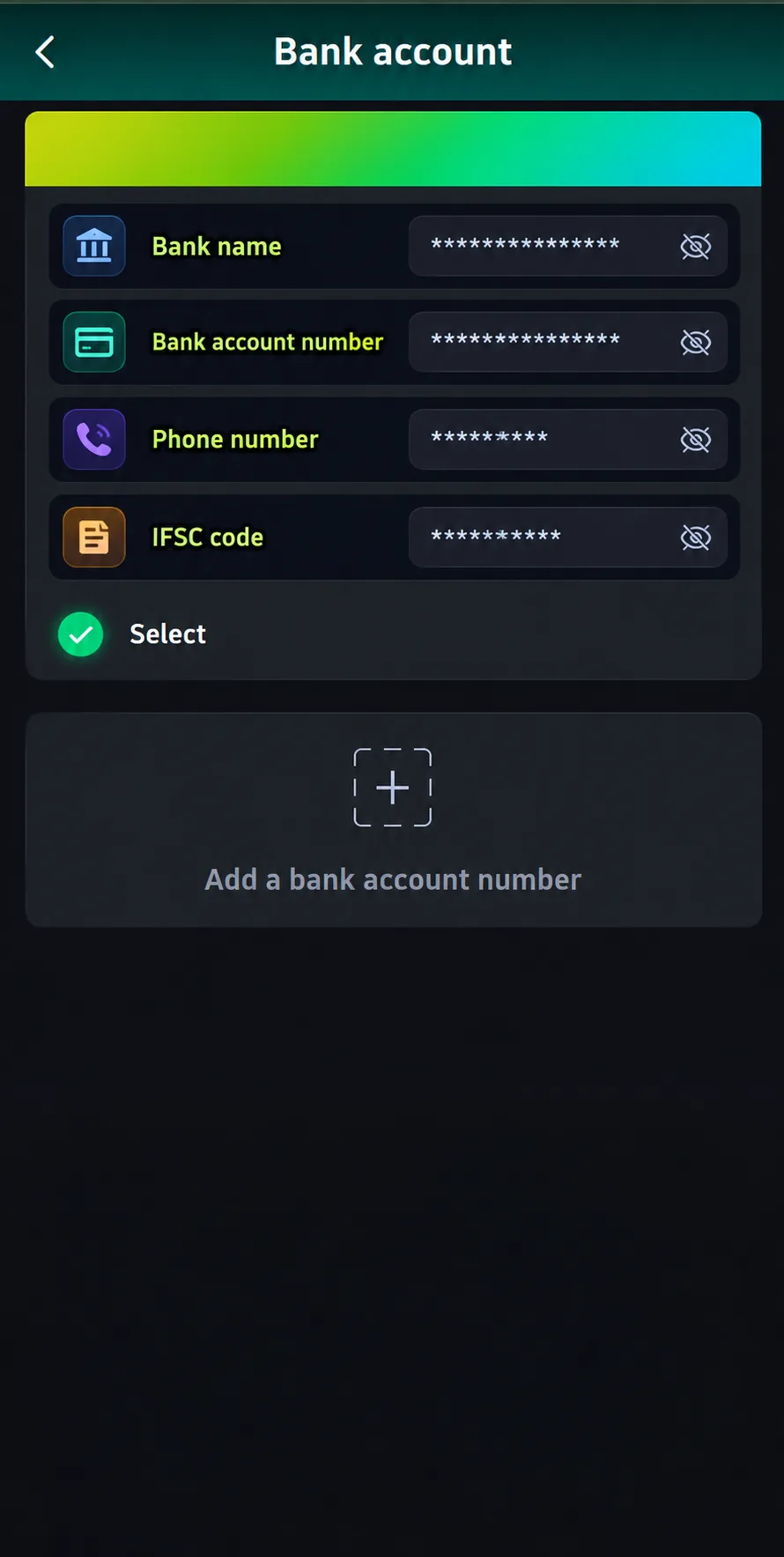
Step-by-step
The form lives at Wallet → Withdraw → Add Bank, and asks for six pieces of information before you save it.
- Bank name — the bank holding the account, selected or typed as the form requires.
- Recipient's full name — the account holder's name exactly as the bank holds it. This must match the name registered on your VeerGame account.
- Account number — entered twice-checked against your passbook or banking app rather than from memory.
- Phone number — normally the number registered to the account, used for contact about the payout.
- Email address — a working address you can actually receive mail at.
- IFSC code — the eleven-character branch identifier, formatted as four letters, a zero, then six alphanumeric characters.
Check every field before tapping Save. The IFSC code identifies the specific branch, so a single wrong character can route the request to the wrong place or fail validation outright, and your bank's app or passbook is the authoritative source for it.
Alternatives to bank transfer
A bank account is not the only payout route. A UPI ID is the simpler option for most players — there is far less to type, and nothing to mistype in the way an IFSC code invites.
USDT is the third option, paying out to a wallet address instead of a bank. It suits anyone who funded the account with crypto in the first place, with the usual caveat that a mistyped address is unrecoverable, so always paste rather than type it.
Common errors
An invalid IFSC code is usually a formatting or transcription slip. The code is eleven characters — four letters identifying the bank, a zero, then six characters identifying the branch — and copying it from your banking app avoids the confusion between 0 and O that causes most failures.
A name mismatch is the most consequential error, because it often passes validation and fails later at the payout stage. The recipient name must match the name on your registered account: withdrawing to an account in a spouse's, parent's or friend's name is the classic reason a withdrawal is approved on screen and then rejected.
A duplicate account error means those details are already saved, either on your profile or elsewhere on the platform. Check your existing saved accounts before adding another, since platforms in this category generally restrict a bank account to one member.
Keeping your bank details secure
Enter payout details only inside the official app or site, on the Add Bank screen you navigated to yourself. No legitimate process involves sending your account number, IFSC code or a photograph of your passbook to someone over chat.
What's next
With a payout method saved, the withdrawal itself is a short form — but it has conditions attached that are worth knowing in advance: your active bet total must be ₹0, requests are limited to three a day inside a 00:10 to 23:50 window, and each one must fall between ₹100 and ₹30,000. The withdrawal guide covers the whole flow and the reasons requests get rejected.
Read next: Deposit Guide — it covers the next step this page assumes.
Frequently asked questions
What details do I need to add a bank account on VeerGame?
Why was my bank account rejected?
Can I withdraw without adding a bank account?
Related guides
- Withdrawal Guide
How to Withdraw From VeerGame
- Deposit Guide
How to Deposit on VeerGame: UPI & USDT Guide